top of page


Project
Companion Mobile App
Role
Senior Graphic Designer lead designer for this project
Collaborated with:
Associate Marketing Manager
Project Engineer
Contractor Developer

Company
Fellowes Mobile
Duration
8 weeks

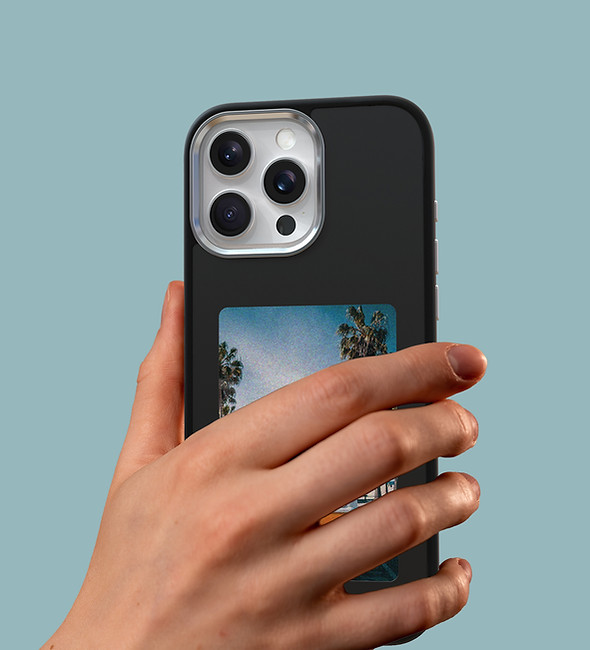
Mosaic is an E-ink phone case and companion app that lets users personalize their case by displaying custom images sent directly from their phone
Roles & Scope
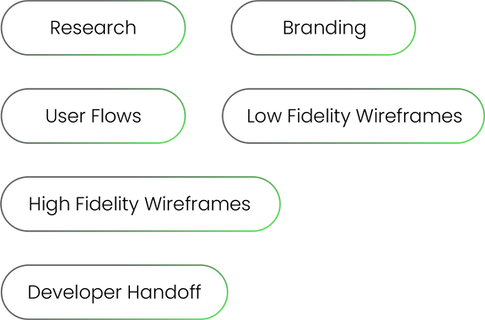
As the lead designer, I oversaw the end-to-end design process: from research and concept development, Low and High fidelity wireframes, UI design, and brand identity creation. Working closely with internal marketing team, product development team, and external programming contractor, I designed within technical limitations of their framework while maintaining a cohesive user experience.
New Branding
I led the creation of the new brand identity for Mosaic, a customizable product line that includes an E-ink phone case and swappable case series.
Designing with Constraints
Our team collaborated with an external developer, which required designing within the technical constraints of their pre-built template for certain image editing functions.
Timeline

User Research
I conducted five user interviews with co-workers to understand user needs and expectations around app features and customization. I used a mix of qualitative and quantitative questions to uncover insights and identify needs and expectations.
Key Findings
· Participants change their phone case every 4-6 month, expressing interest in switching them out more frequently if they can afford to.
· 2 out of 5 people use photo editing apps (besides social media), they like to use features such as filters, frames and stickers.
· it would be great to have a stock library of pre-loaded images.
· The need to install an app for a phone case can be overwhelming, need to create easy and intuitive onboarding process.
· Participants valued ease of use and seamless pairing between the case and app to avoid technical frustration.
· It would be great if the users can upload photos directly to the Mosaic app from social media apps or photo editing apps.
Goals & Solutions
custom design solution
enhance accessibility
pre-loaded stock images
create seamless process for
onboarding
engaging image editing features
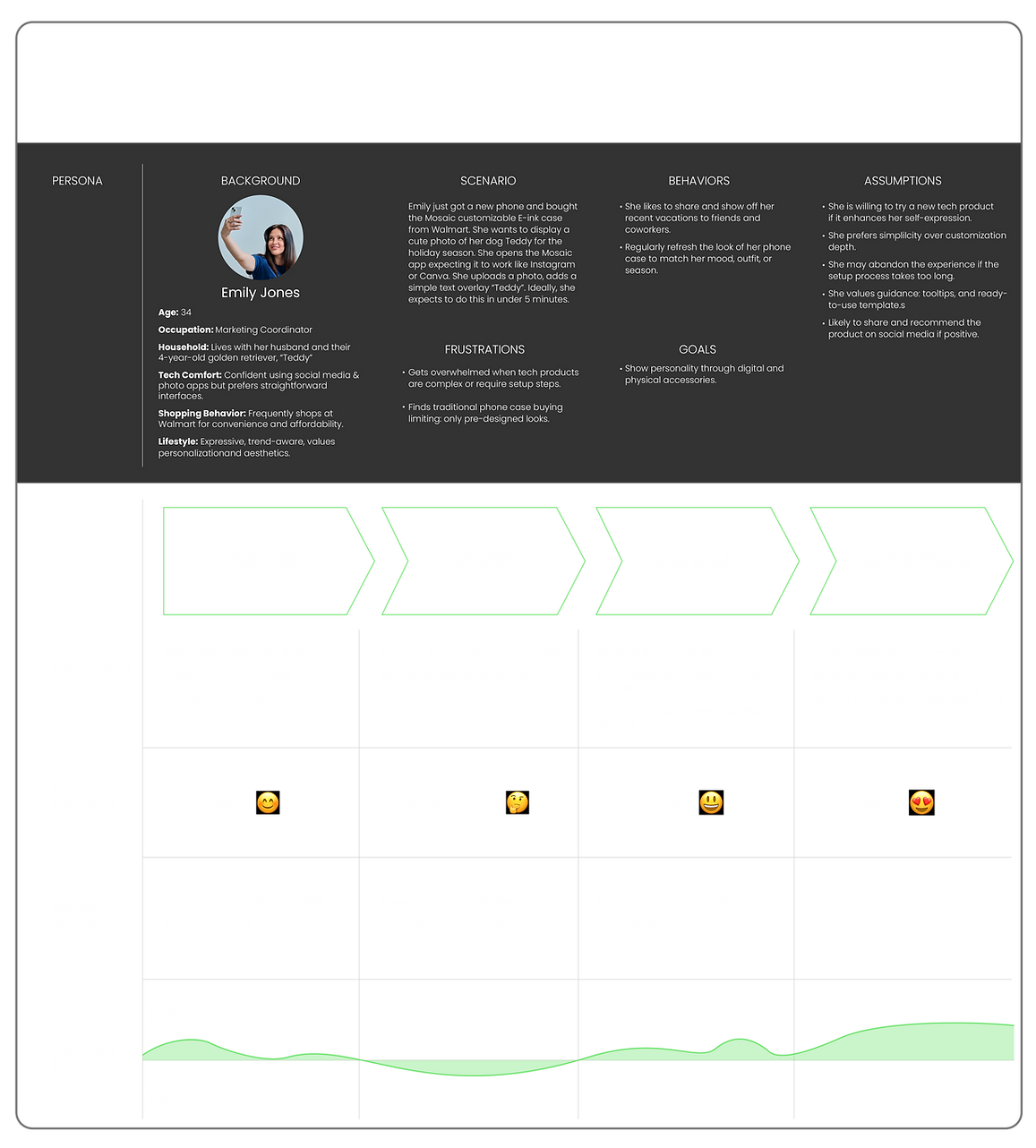
User Journey
User Flow
User flow was created to understand to figure out sitemap and flow of the user throughout the app.

Low Fidelity
Wireframes
Low fidelity wireframes were created to test the user experience, validate structure & flow of the app, and to get feedback on information architecture and making decisions on what features to have on the app.
selected


Internal Meeting
Goals & Solutions
Key Findings
· Let's give users freedom to pair the case in the beginning as well as at the end - where users are ready to send their picture to the case
· Should the app ask for permission to access the photos?
· Can we develop templates to have multiple photos to create a collage of photos?
· Let's figure out a better way to delete saved photos.

made changes to pair the case at any time
look into privacy settings
develop collage templates
create a delete button for each image

Branding


TYPOGRAPHY
COLOR THEME

FFFFFF
000000
222222
444444
7D7D7D
C8C8C8
E7E7E7
50DD50
063618
7058DA
ICONS


Button UI
I've compared these button options to find the optimal look to show ACTIVE and INACTIVE status
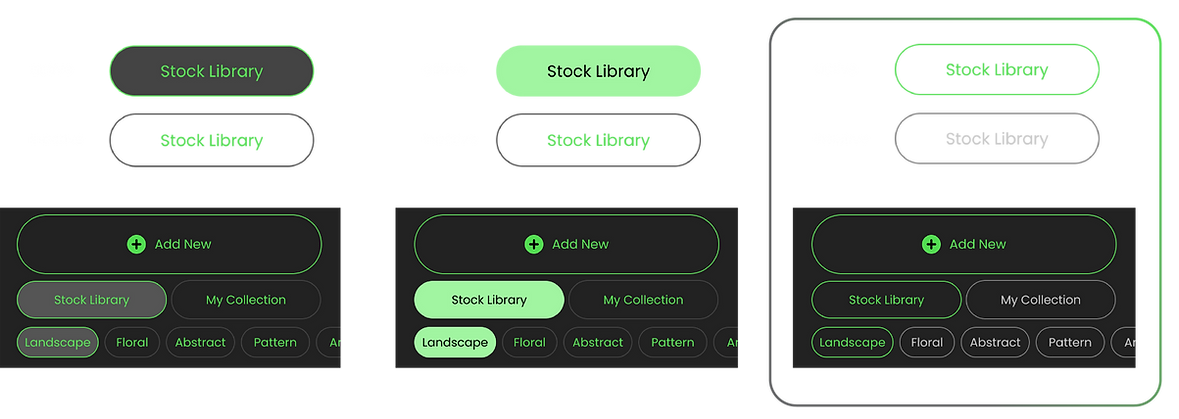
selected design
Product Features
Pairing
Put the phone case on to pair the app to the case. You can choose to pair the case in the beginning or choose to pair in settings, or at the end when you are about to send photos to display.


Stock photo library
A curated stock photo library allows users to easily browse and swap images within collections

My collection
My collection tab lets users to see a library of
previously created images or collages

Features
Photo editing features and other
features like filters and stickers were
created for customization
Key Insight
We had our third internal review, and this review refined usability, streamlining the connection process between device and the case. With the technical limitations of E-ink screen, I suggested a solution to create a preview button to resolve the disparity between the phone screen and the E-ink display.
Problem
The lack of blue tones and overall color and image quality disparity between the phone screen and the E-ink display may result in an unsatisfactory visual experience for users.
Solution
I added an option to preview a dithered version of images, helping users visualize how designs appear on the E-ink display.

preview
function

Outcome & Impact
Launching in 2026
Pitched to 2 enterprise retailers and received great feedback. Currently under development to a 2026 product launch.
Projected to impact 30k+ customers
After the product launch, we are aiming to sell over 30,000 units, which translates to potentially having 30,000+ app users.
New brand for customizable solutions
We have developed additional product lines under this new brand "Mosaic", that provides customizable solutions.


Next Steps
After launch, I hope to get real user metrics that may reveal insights that weren't fully captured during testing.
I aim to use analytics and customer reviews to understand how users interact with the app
I hope to identify pain points, tracking where users drop off, struggle, or express frustration. And I would like
to use that data to iterate and refine the overall experience.
bottom of page